Essays
Photos without AI: what your phone does to a picture
By Dennis Berti, documentary and street photographer ·
You press the shutter and your phone makes a dozen decisions you never see. Some of them I’m fine with. One or two, I’m not.
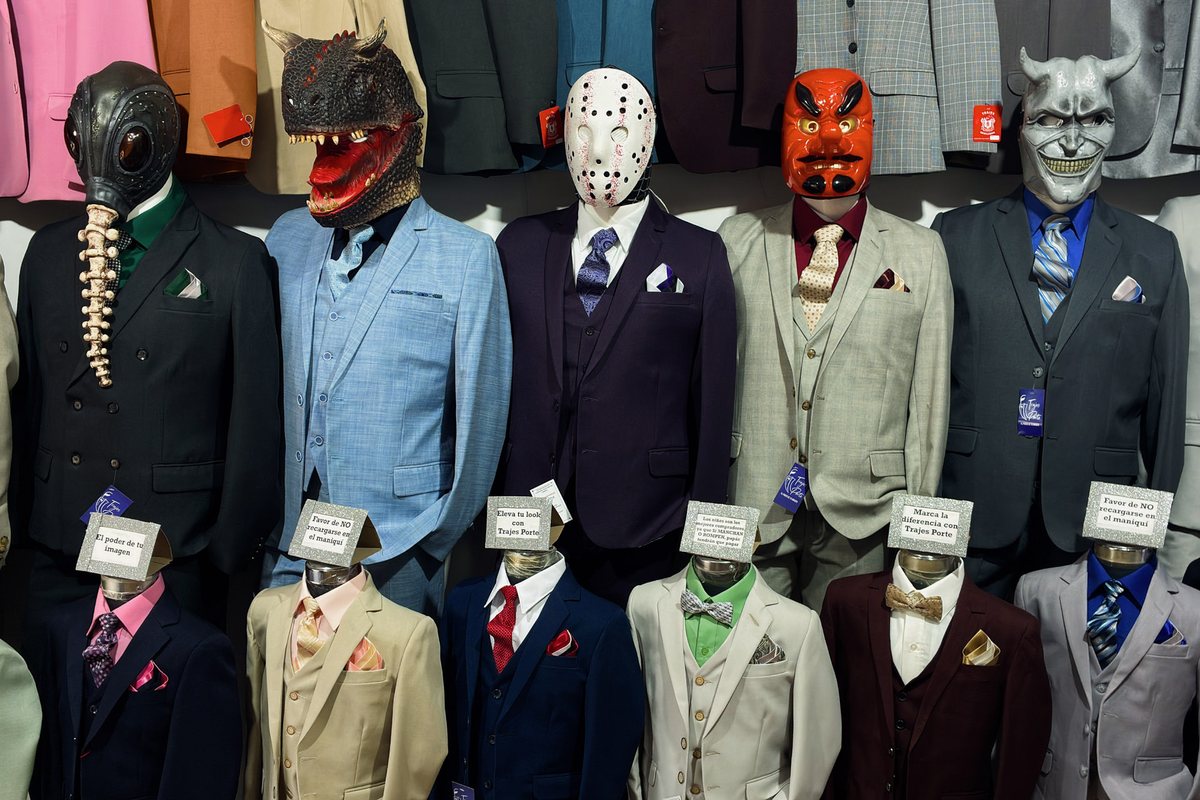
Three things that get called AI
People use one word for very different things, and it makes the conversation useless. I separate them into three.
Processing. The phone takes several frames, merges them and uses machine learning to reduce noise and hold the highlights. Apple calls part of this Deep Fusion. Every major phone does some version of it. The sensor in your pocket is tiny, and without this your photos would look much worse.
Recognition that fills in. Here the phone knows what it’s looking at and adds what it expects to see. The famous case is the moon: Samsung has explained that its Scene Optimizer uses a deep learning model to recognize the moon and apply detail enhancement. A test in 2023 pointed a phone at a blurry image of the moon on a screen and got back a sharper moon.
Generation. The software makes something new or moves it from somewhere else. Google’s Best Take lets you swap a face from another frame, so nobody blinks. Magic Editor uses generative AI to move and change things in the picture. They’re clever tools, but what you get at the end is a moment that didn’t happen.

Where I draw the line
I’ve been a documentary photographer for 25 years, and I’ve never believed a picture is pure. Film had a look. Darkrooms burned and dodged. Choosing where to stand is already an edit.
So my question isn’t “was it processed?” It’s “did something get added that wasn’t in front of the lens?” Noise reduction doesn’t add a person. A borrowed smile does.
What you can do on any phone
Don’t use generative edits on pictures you want to remember as they were. Look in your camera settings for scene optimization and turn it off if your phone lets you; the names change by brand. Be suspicious of long zoom, where phones have the least real information and do the most guessing. And if your phone or an app offers RAW, that’s the closest you’ll get to what the sensor saw.
Where WorthWait stands
WorthWait adds no generative AI. It doesn’t swap faces, remove objects or invent detail. The 35mm frame is a crop of the sensor, done once. The films adjust color and contrast, and nothing else. There’s no editor, so nothing can be changed afterward.
And here’s the part most apps leave out. WorthWait sits on top of your phone’s camera. On iPhone, Apple’s own processing is still part of how the picture gets made. On Android it depends on the manufacturer. I can’t remove that from a JPEG, and in low light you wouldn’t want me to. If you need a file with no processing, shoot RAW with something else, or shoot film.
What I can promise is smaller, and I think it’s more useful: nothing in the app adds anything that wasn’t there.

Questions
Does my phone use AI when I take a photo?
Almost certainly. Modern phones merge several frames and use machine learning to reduce noise and balance light, even before you edit anything.
Is a phone photo fake?
Usually not. Processing a picture is not the same as inventing one. The question is whether software added something that wasn’t in front of the lens.
Does WorthWait use AI?
WorthWait adds no generative AI, no face swapping and no object removal, and its films only adjust color and contrast. Your phone’s own camera processing still runs underneath, as it does for any camera app that saves a JPEG.
How do I get a photo with as little processing as possible?
Shoot RAW with an app or mode that offers it, or use a film camera. WorthWait saves JPEG and has no RAW.
WorthWait Camera
A disposable camera app for your phone. A roll of 24, a fixed 35mm frame, four films and a 24-hour wait before you see a single photo. No preview, no editing, nothing invented. Made by a documentary photographer.
One lens. One roll. A day to wait. All things develop in time.